Новое видео
Running AirSonic in Docker

Видео: Running AirSonic in Docker
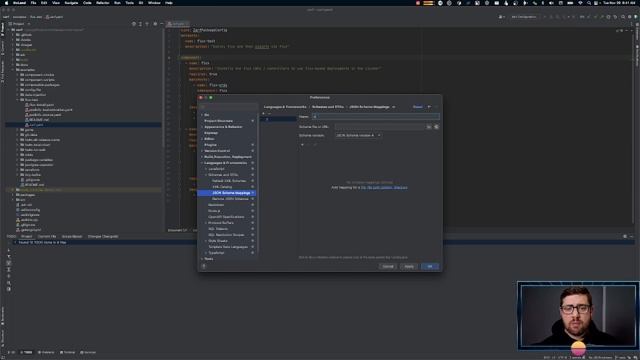
Airsonic Stream Docker Full steps can be found at -------------------------------------------------------------------- What is AirSonic -------------------------------------------------------------------- Airsonic is a free web-based media streamer providing ubiquitous access to your music. Use it to share your music with friends or to listen to your own music while at work. You can stream to multiple players simultaneously for instance to one player in your kitchen and another in your living room. - -------------------------------------------------------------------- Installing Docker -------------------------------------------------------------------- 01. Log into the Linux based device 02. Run the following commands in the terminal install prerequisites sudo apt install apt-transport-https ca-certificates curl software-properties-common gnupg-agent -y add docker gpg key curl -fsSL -F ID print NF etcos-releasegpg sudo apt-key add - add docker software repository sudo add-apt-repository deb archdpkg --print-architecture -F ID print NF etcos-release lsb_release -cs stable install docker sudo apt install docker-ce docker-compose containerd.io -y enable and start docker service sudo systemctl enable docker sudo systemctl start docker add the current user to the docker group sudo usermod -aG docker USER reauthenticate for the new group membership to take effect su - USER -------------------------------------------------------------------- Running AirSonic -------------------------------------------------------------------- 01. Now that Docker is installed run the following commands to setup the AirSonic Docker container and run it create working directories mkdir homeUSERdockerairsonicdata -p mkdir homeUSERdockerairsonicmusic -p mkdir homeUSERdockerairsonicplaylists -p mkdir homeUSERdockerairsonicpodcasts -p run the airsonic container docker run -d --nameairsonic -v homeUSERdockerairsonicdata:airsonicdata -v homeUSERdockerairsonicmusic:airsonicmusic -v homeUSERdockerairsonicplaylists:airsonicplaylists -v homeUSERdockerairsonicpodcasts:airsonicpodcasts -p 4040:4040 airsonicairsonic 02. Open a web browser and navigate to 03. Login to AirSonic with username admin and password admin 04. Welcome to AirSonic running in a Docker container 05. Click the Change administrator password link 06. Check the Change password box 07. Input the new password twice and click the Save button Documentation: Connect with me and others Discord: Reddit: Twitter: ,
Комментарии ( 0
)
Сначала новые
Сначала старые
Сначала лучшие
Загружено по ссылке
Присоединяйтесь к обсуждению
М
Гость
Миром правят деньги и если «сильным мира» сего это не нужно, то они костьми лягут и задушат любые попытки человечества выйти из сферы их влияния. А тесла
М
Гость
Смотрю Эльдара давно, все грамотно рассказывает, а данный авео, конечно, редкостный хлам! 280 для этой машины это по-моему, слишком много! 120 и нормально! Прогнивший, кривой какой-то, явно битая. Зазоры километровые в копоте, вообще не от этой машины.Зато лок на коробке. Девочке явно "повезет" е...
М
Гость
О, Боже, спаси Египет! Спаси Голден файв парадайз! Это был Райский уголок! Счастливая - я была там в 2013 году! Плачу и молюсь...
М
Гость
М
Гость

2023-12-04 в 03:11:23
2023-12-04 в 04:13:14

2023-12-04 в 03:34:21


2023-12-04 в 03:50:06
2023-12-04 в 03:11:39



2026-04-20 в 23:18:21

2026-04-20 в 22:59:40
2023-12-04 в 04:02:44